Skip to content

Bus times for the places people work and stay

The next bus, where people are already looking.

Tideline puts the next departures from nearby stops on a lobby screen, on a QR code at the door, and in a shift check that tells an employer whether staff can actually get to work by bus. Built from the published schedules of CARTA and TriCounty Link.

N. Charleston SuperStop on Rivers Ave

2:38 PM

  1. Route 10to Trident Medical Center · N. Charleston SuperStop on Rivers Ave · 2:45 PM6 min
  2. Route 102to Calhoun St / Ashley Ave · N. Charleston SuperStop · 3:00 PM21 min
  3. Route 11to Tanger Outlet/Wal-Mart · N. Charleston SuperStop on Rivers Ave · 3:04 PM25 min
  4. Route 13to Tanger Outlet/Wal-Mart · N. Charleston SuperStop · 3:10 PM31 min
  5. Route 10to Trident Medical Center · N. Charleston SuperStop on Rivers Ave · 3:10 PM31 min
  6. Route 104to Tanger Outlet/Wal-Mart · N. Charleston SuperStop · 3:15 PM36 min

Scheduled times, not live tracking. Schedule data published by Charleston Area Regional Transportation Authority and TriCounty Link. Live arrivals are in the Transit app.

The board for this stop on Rivers Avenue, worked out from the published schedules when this page loaded. A lobby screen shows the same thing. Open it as a rider would

Riders ask the front desk when the bus comes. Nobody knows.

A guest checking out, a cook finishing a double, a nurse after a night shift: each needs the next bus, and the answer is in an app they may not have, for a stop they may not know.

Employers have the opposite problem. They schedule shifts without knowing whether the last bus leaves before the shift ends. Tideline answers both from the same schedules.

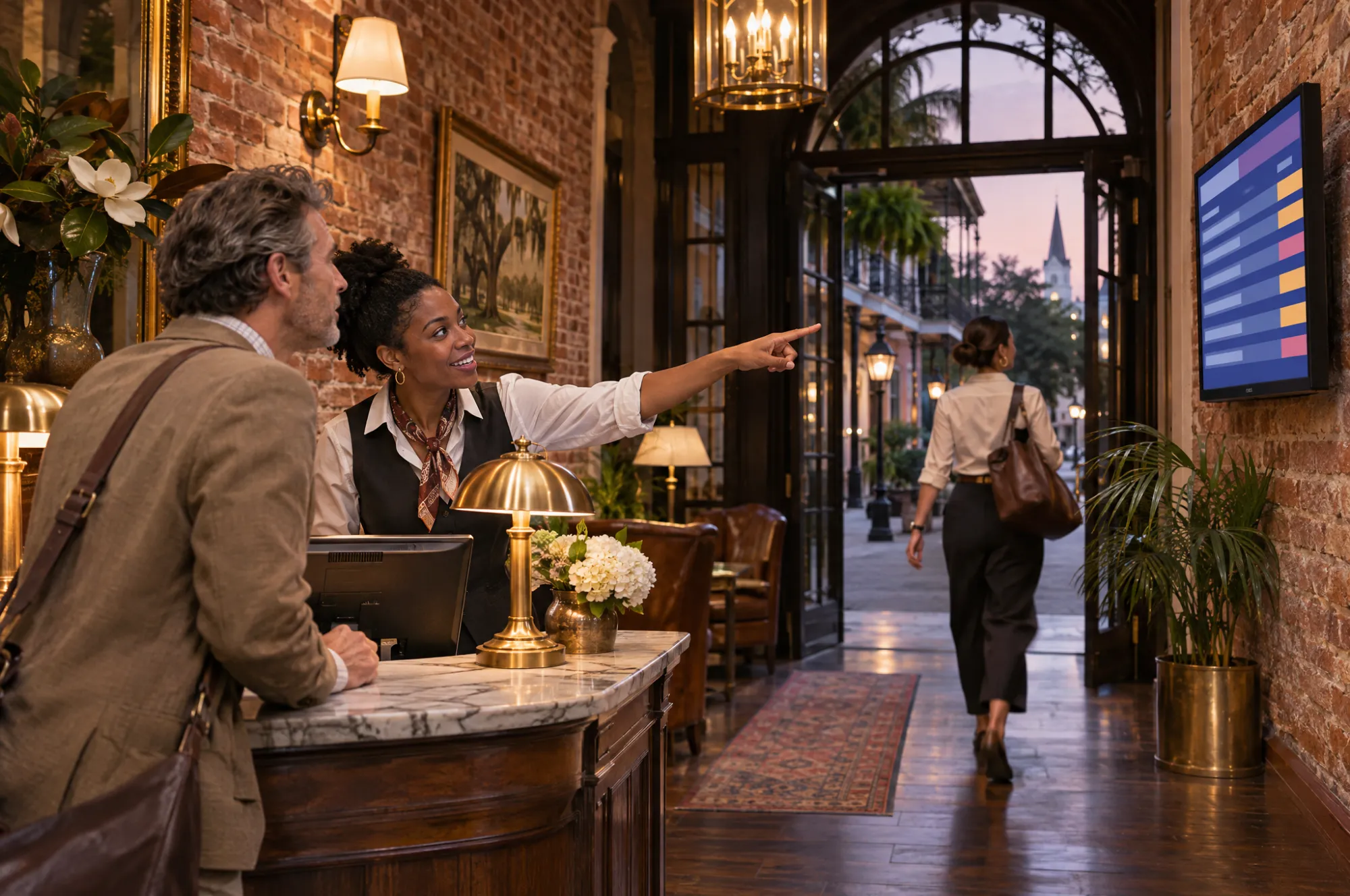
A front desk agent points a guest toward a departures screen in a historic hotel lobby.

Add a building. Tideline finds the stops.

Enter an address and a walking distance. Every bus stop within it, from either agency, is on the board.

A lobby screen in one link

Open the screen link on any TV or tablet. It shows the next departures in large type, refreshes itself, and needs no sign-in or software.
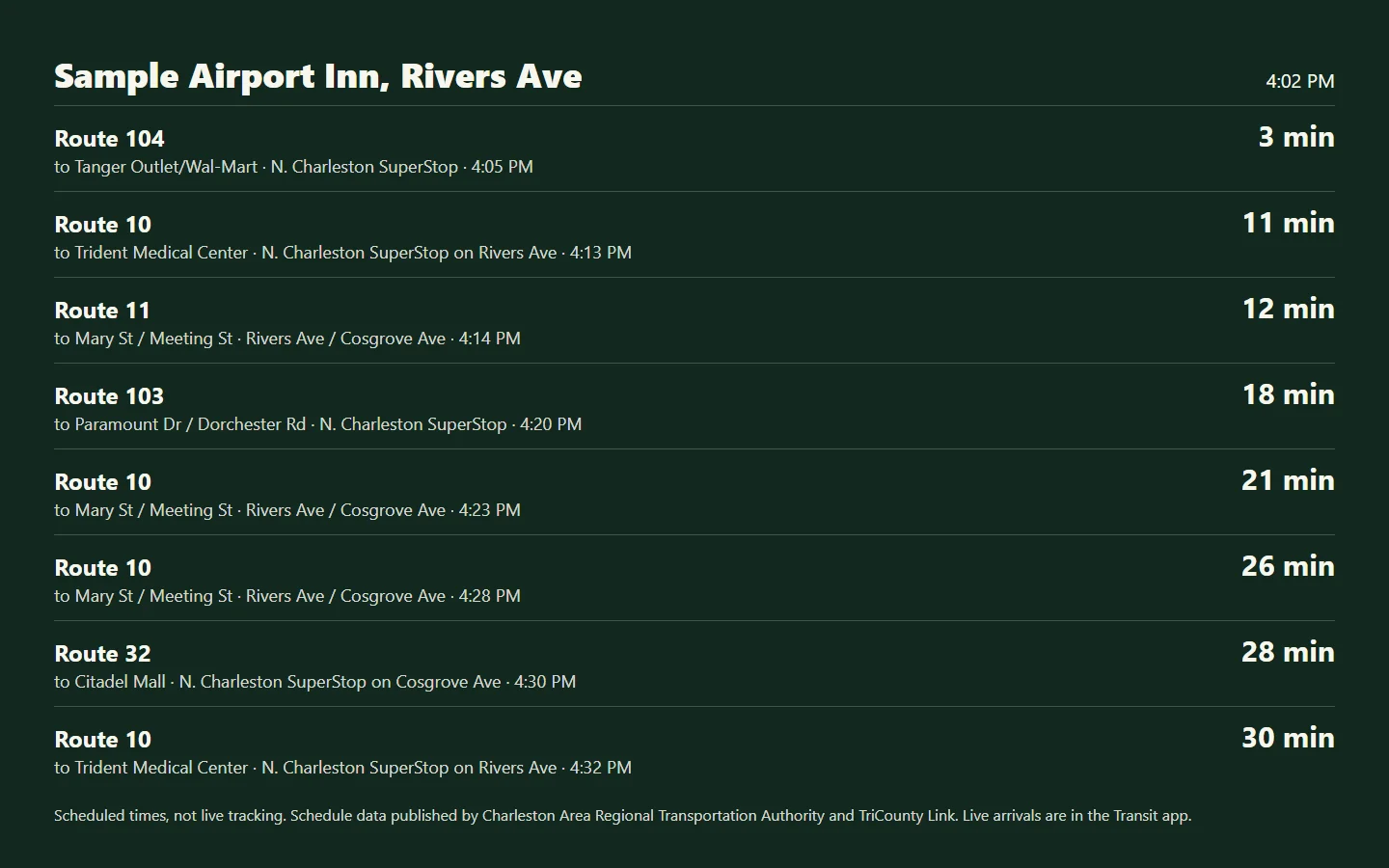
A Tideline lobby screen for a sample hotel on Rivers Avenue listing the next buses and minutes until each.

A QR code at every door

Print rider codes for the lobby, the staff entrance or the bus shelter. A scan opens that stop's next buses on any phone.
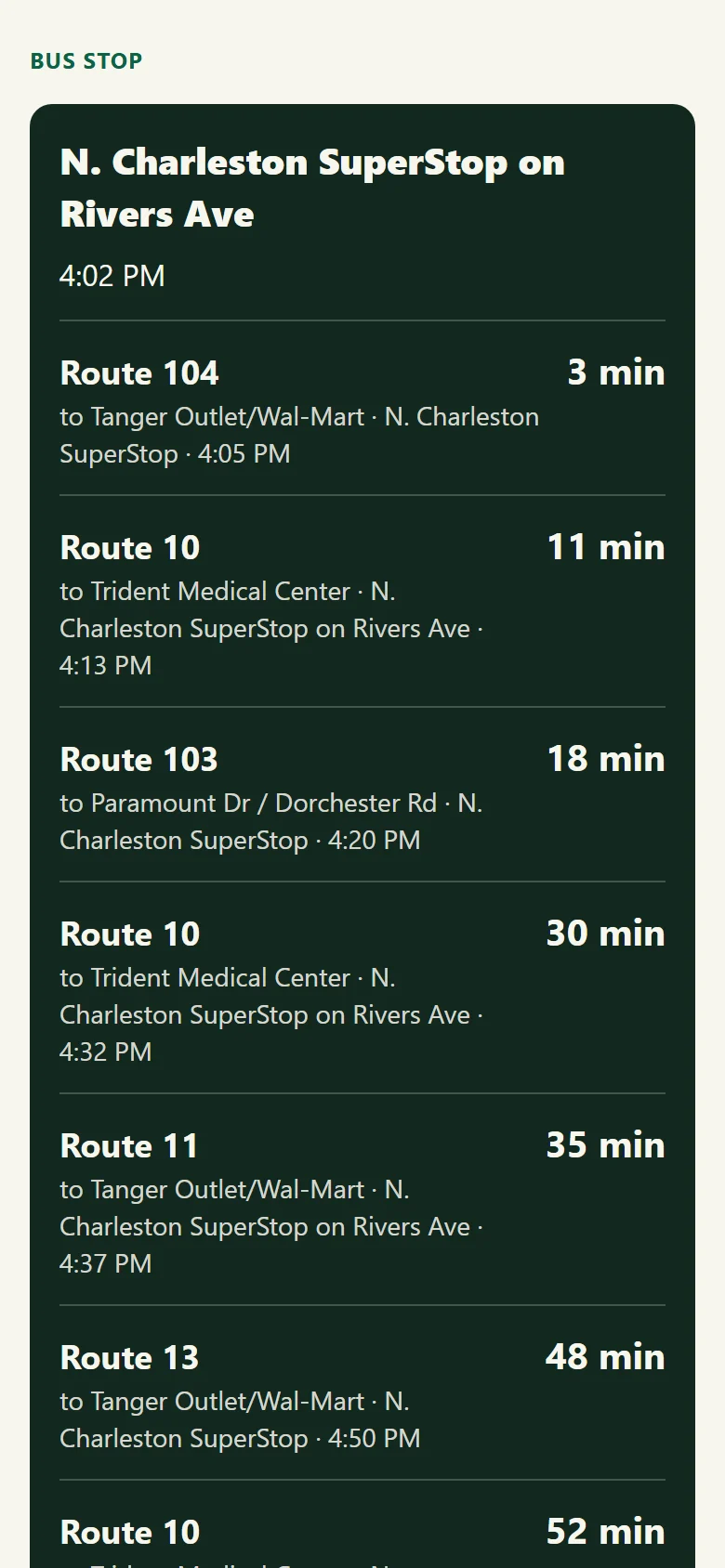
The Tideline stop page on a phone listing the next buses from the North Charleston SuperStop.

A shift check for employers

Add shifts and the areas staff live in. For each pair Tideline finds the latest bus that arrives in time and the first home after the shift, or says plainly there is none.

A hotel housekeeper and a young cook wait at a bus shelter under live oaks as a bus approaches.

Screens are the working product. The shift check runs on the same schedules and is shown in the sample hotel group.

24
CARTA bus routes in the official schedule feed. Source: Mobility Database, CARTA
14
TriCounty Link bus routes in the official schedule feed. Source: Mobility Database, TriCounty Link
1 min
Lobby screens and stop pages refresh every minute. No app, no sign-in.

What a building gets

Both agencies together
CARTA and TriCounty Link departures merged, so a rider sees every bus from the stops nearby.
Lobby screens
Any screen with a browser. Large type, high contrast, refreshed every minute.
Rider QR codes
Printable sheets per stop that open the live list on any phone.
Shift check
For each shift and home area, the bus that gets staff there in time and the one that gets them home, with one change of bus if there is no direct route.
Several sites
Hotel groups, hospitals and employers manage every building in one account.
Screen links you control
Make a new screen link at any time; old links stop working at once.

Where it fits

Hotels
Guests and staff see the next bus in the lobby instead of asking the desk.
Hospitals
Patients, visitors and night-shift staff know when the next bus leaves.
Employers
Shift times checked against the real schedule before anyone is hired for them.
Property managers
Residents get a screen in the lobby and a code at the door.

Questions

Are these live arrival times?

Not yet. Tideline uses the agencies' published schedules, and every screen says so. Live positions are planned once the real-time data feed is licensed.

What do we need for a lobby screen?

Any TV, monitor or tablet with a web browser. Open the screen link full screen and leave it. There is nothing to install.

Is Tideline connected to CARTA or TriCounty Link?

No. Tideline is independent and uses the schedule data both agencies publish openly. It is not affiliated with or endorsed by either.

Do riders need an account?

No. Screens and QR pages are public and need no sign-in.

What does it cost?

Pricing is set per building. Setting up and exploring costs nothing.

What works today, and what does not yet

Working now

  • Scheduled departures for both agencies, lobby screens, rider QR codes, the shift check and team roles all work today.
  • Sign up creates your own account. A sample hotel group is open to explore.

Not built yet

  • Live bus positions, once the agencies' real-time data is licensed. Until then every board says the times are scheduled.
  • Trips that need two changes, or a change between CARTA and TriCounty Link. Today the shift check finds direct buses and trips with one change within one agency.

Put the next bus in your lobby today.

Add your building and open the screen link on any display.